A story · set it up on the page
Where do I find it?
I have to go into Settings to find everything… and it's so frustrating!
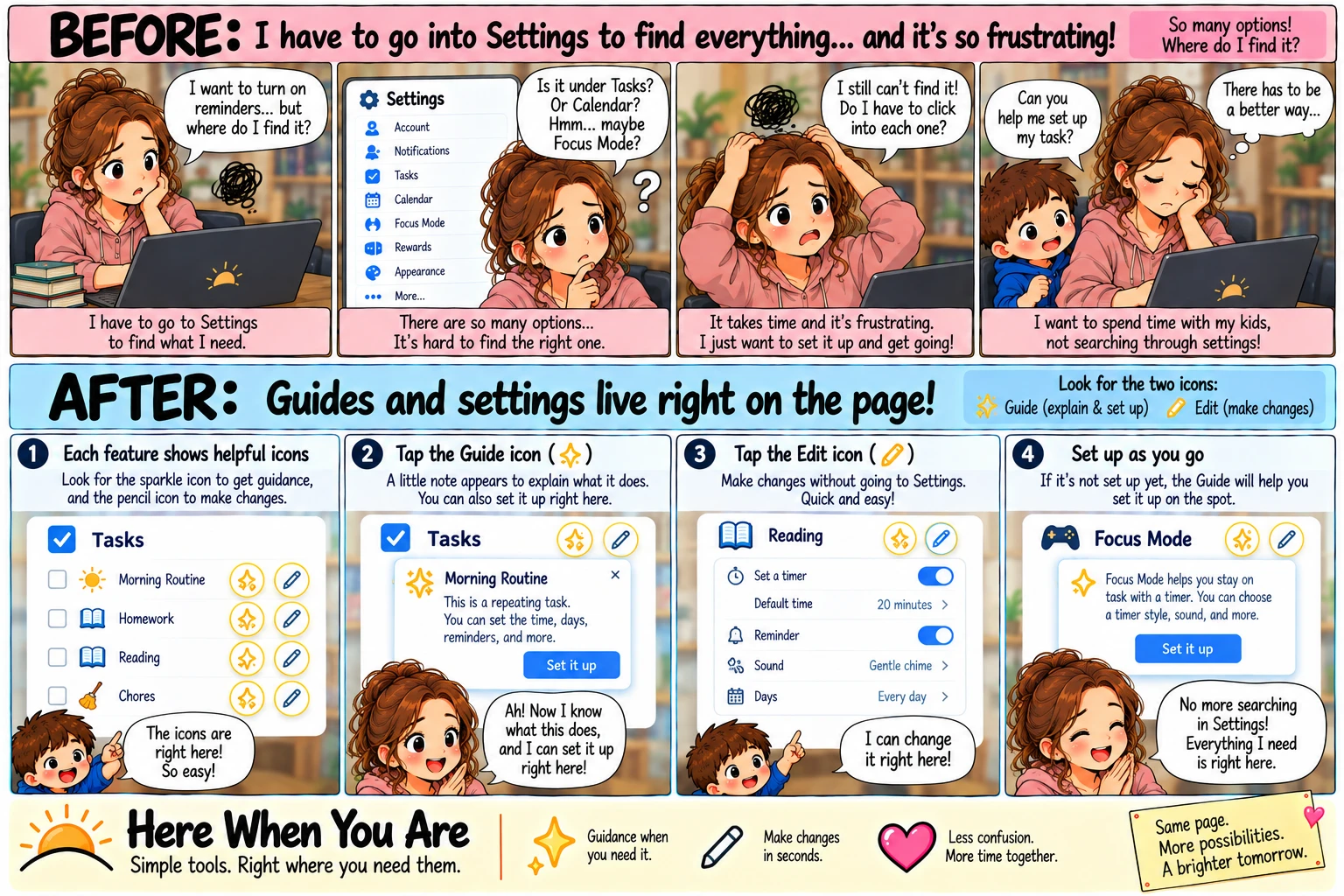
Before
I have to go into Settings to find everything… and it's so frustrating!
1“I want to turn on reminders… but where do I find it?”
I have to go to Settings to find what I need.
2“Is it under Tasks? Or Calendar? Maybe Focus Mode?”
There are so many options. It's hard to find the right one.
3“I still can't find it!”
Do I have to click into each one? It takes time and it's frustrating. I just want to set it up and get going.
4“Can you help me set up my task?”
I want to spend time with my kids, not searching through settings. There has to be a better way.
After
Guides and settings live right on the page.
1Two buttons on the page
At the top of the page: Wizard to explain and set things up, and Settings to make changes. They're right there, on the page you're already on.
2Tap Wizard
It explains what the page does, with examples, and you can set things up right there, step by step.
3Tap Settings
A pencil appears on every part of the page you can change. Tap one, change it, done — without leaving the page.
4Set it up as you go
“No more searching in Settings! Everything I need is right here.”
Simple tools, right where you need them.
On Here When You Are you don't go looking for the setting that changes a page — it's on the page. The Wizard shows what the page can do and sets it up with you; Settings puts a pencil on each part you can change. Neither one ever sends you somewhere else, so you finish where you started.
More possibilities.