One family. Different needs.
The same tools, with as much or as little help as each person needs, because every brain and every day is different.
You've got this!
My goals
This month
You choose what works.
- Timer: Border / Circle / Number / Hidden
- Steps: All / One at a time / Hidden
- Views: Simple / More detail
- Words: Your own names for things
What's in it
One board. Turn on just the parts your family needs, and the rest stays out of the way.
- TodayEveryone's day on one screen, in the order each person arranged it.
- Things to doTasks for every day, jobs for extra help, and activities for free time, each in its own list, with steps and a timer when they help.
- RoutinesMornings, bedtimes, and the things that come round every week.
- FocusOne task on one screen, and a way to pause without it counting as failing. Stuck? Ask someone, right from inside the task.
- Goals and habitsA big wish broken into small things a child can actually do, and a tree that grows as they keep at it.
- A petAdopt a pet that eats the fruit from your habit trees, and it never goes hungry.
- Piggy bankReal dollars, saved towards something they chose, so a child can see what came in, what went out and how close they are.
- RewardsA shelf of things worth working towards, and jars the family saves into together.
- CalendarThe week and the month, with your Google Calendar shown beside it. It can only look, never change anything.
- RecipesPaste a recipe link and the ingredients go straight onto the grocery list.
- Everyone's devicesOne account per family. Every other screen or phone is paired from your board, and nobody else signs in.
- RemindersA heads-up before something starts, and a gentle nudge that reaches a phone in another room.
- Check in, check outThe day's two bookends: who's here, and what tomorrow looks like on the way out.
- Voice notesSay it now, before the thought slips away, and listen back later.
- Each person's pagesEach person sees only the pages they use, on the board and on their phone.
- SettingsAll the dials, safely behind a grown-up's code.
14 days free, then CA$7.99 a month or CA$79.99 a year (US$5.99 or US$59.99 in the U.S.), plus tax. Cancel any time.
See Here When You Are in a story
Not a video. Short stories from real mornings. Every screen in them is the real app.
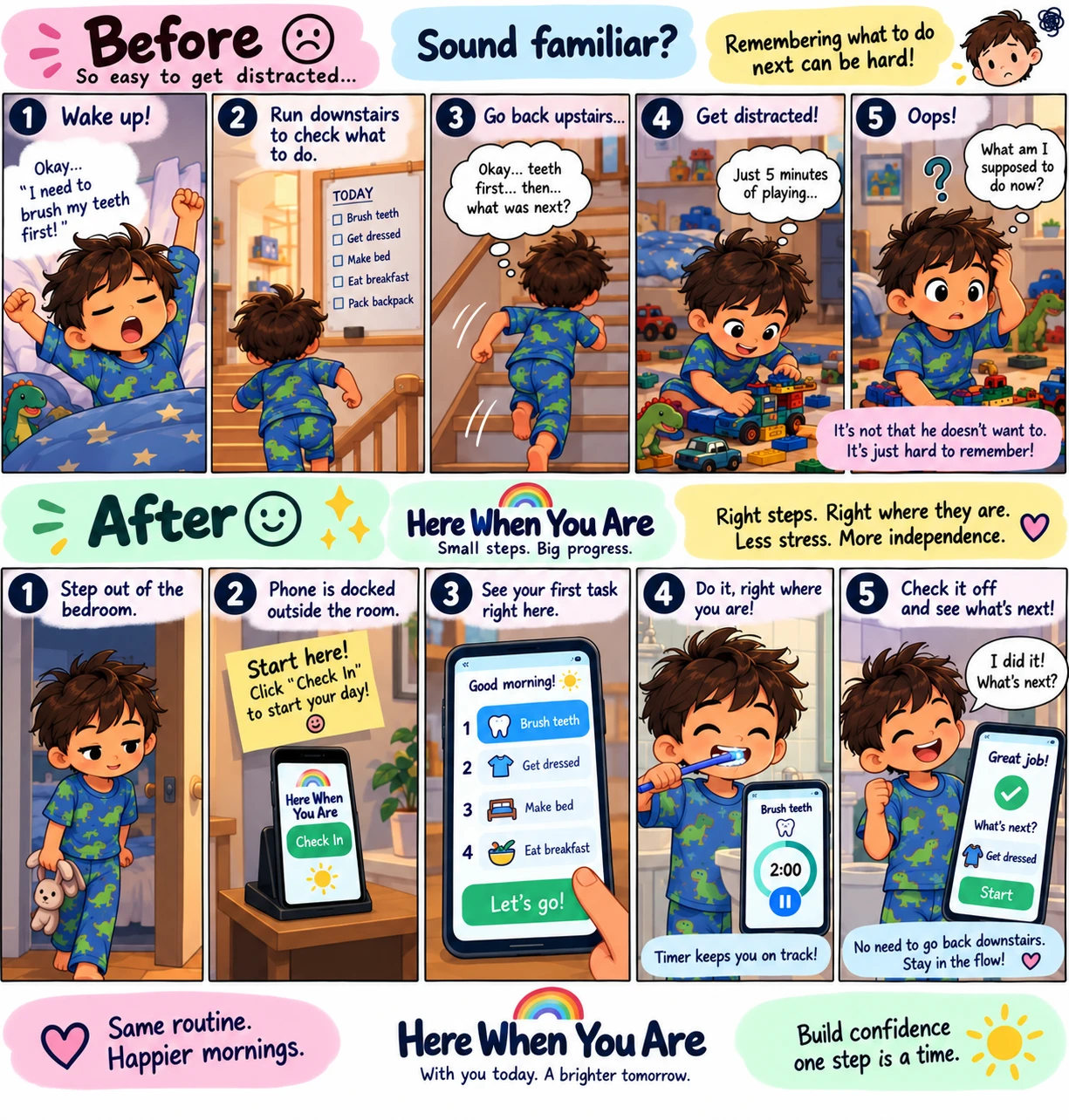
Story 1 · The focus stream
What was next?
He knows what to do. He just can't hold the list in his head from the kitchen to the bathroom. The same phone, docked outside his door, holds it for him.
Read it
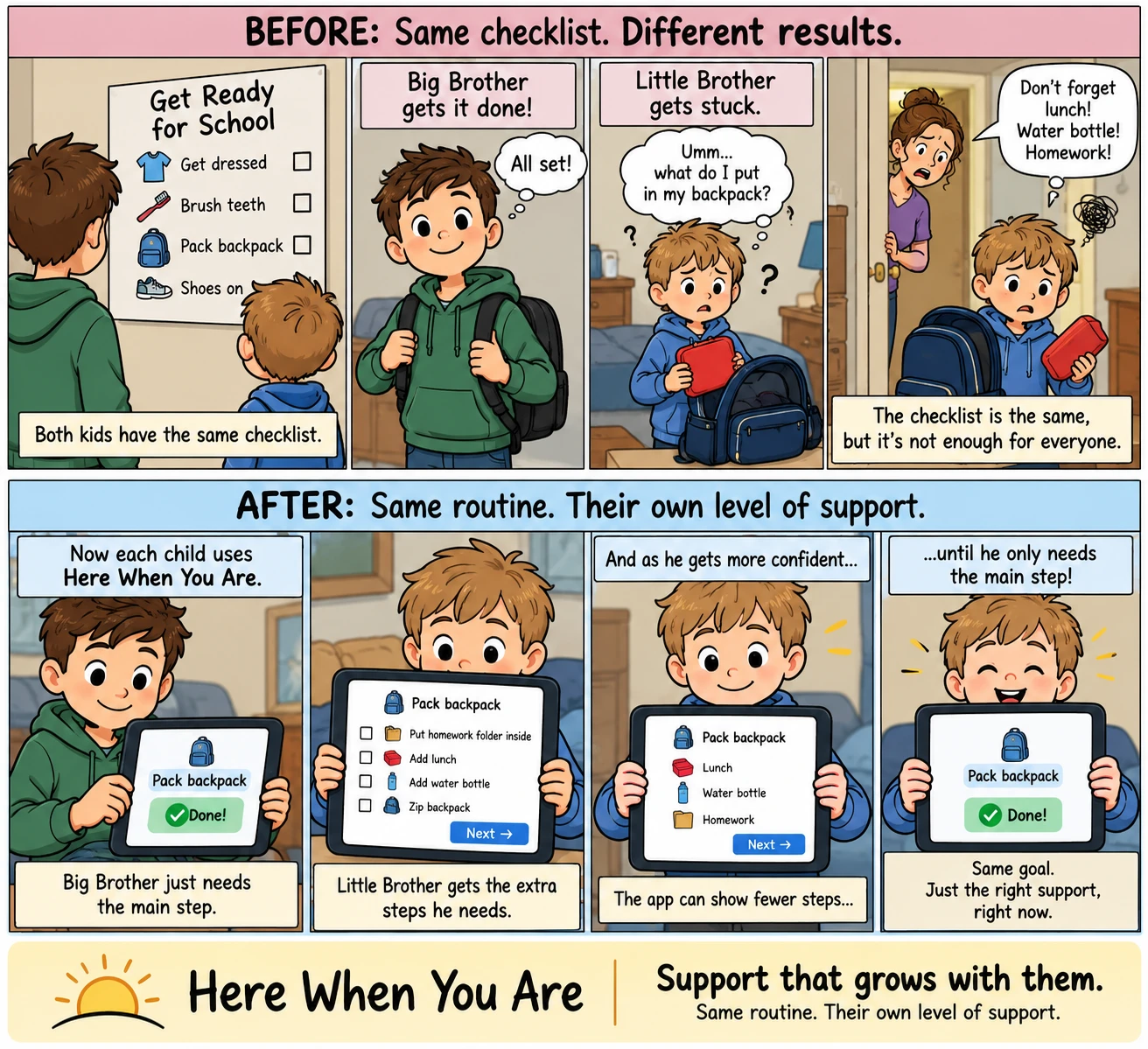
Story 2 · Steps that turn down
Same checklist. Different results.
Two brothers, one routine. The older one needs the one line; the younger one needs the four steps under it — and then three, and then one.
Read it
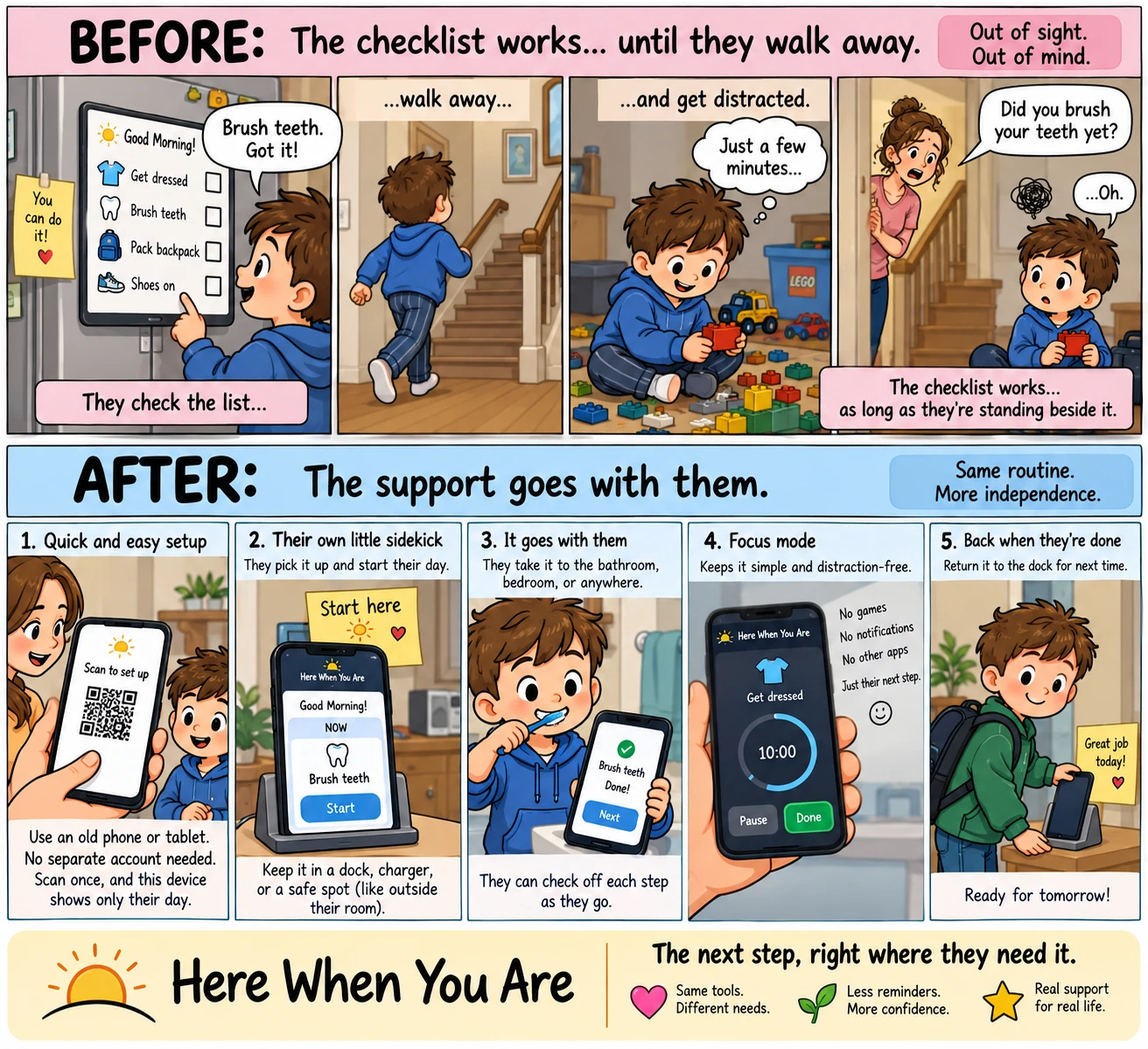
Story 3 · A kid's own device
Out of sight, out of mind.
The checklist on the fridge works as long as they're standing beside it. An old phone, scanned once, no account — and the list comes along.
Read it
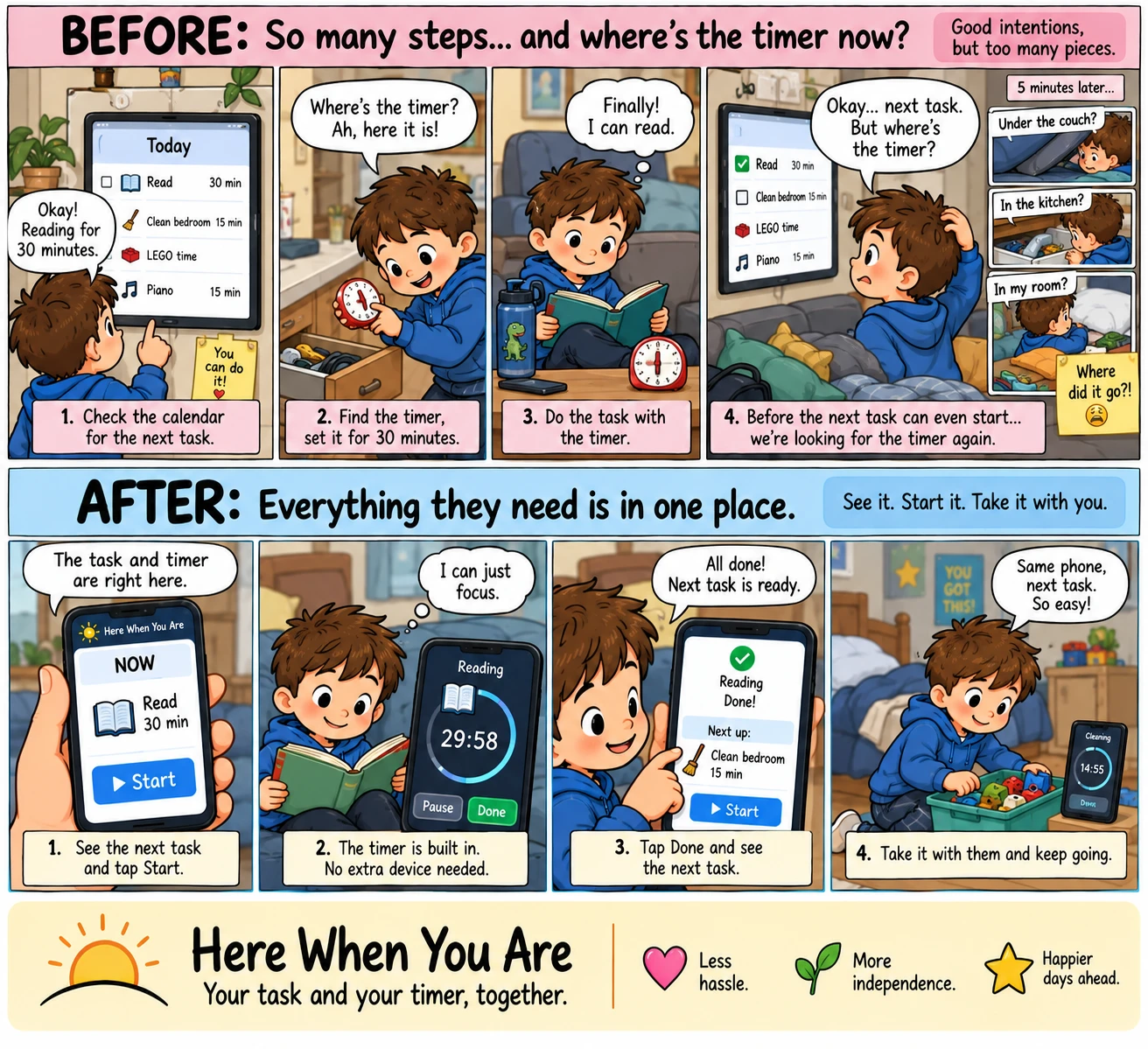
Story 4 · The task and the timer, together
Where's the timer now?
A calendar on the wall, a timer in a drawer, and the timer gone again before the next task can start. One phone is the list and the timer at once.
Read it
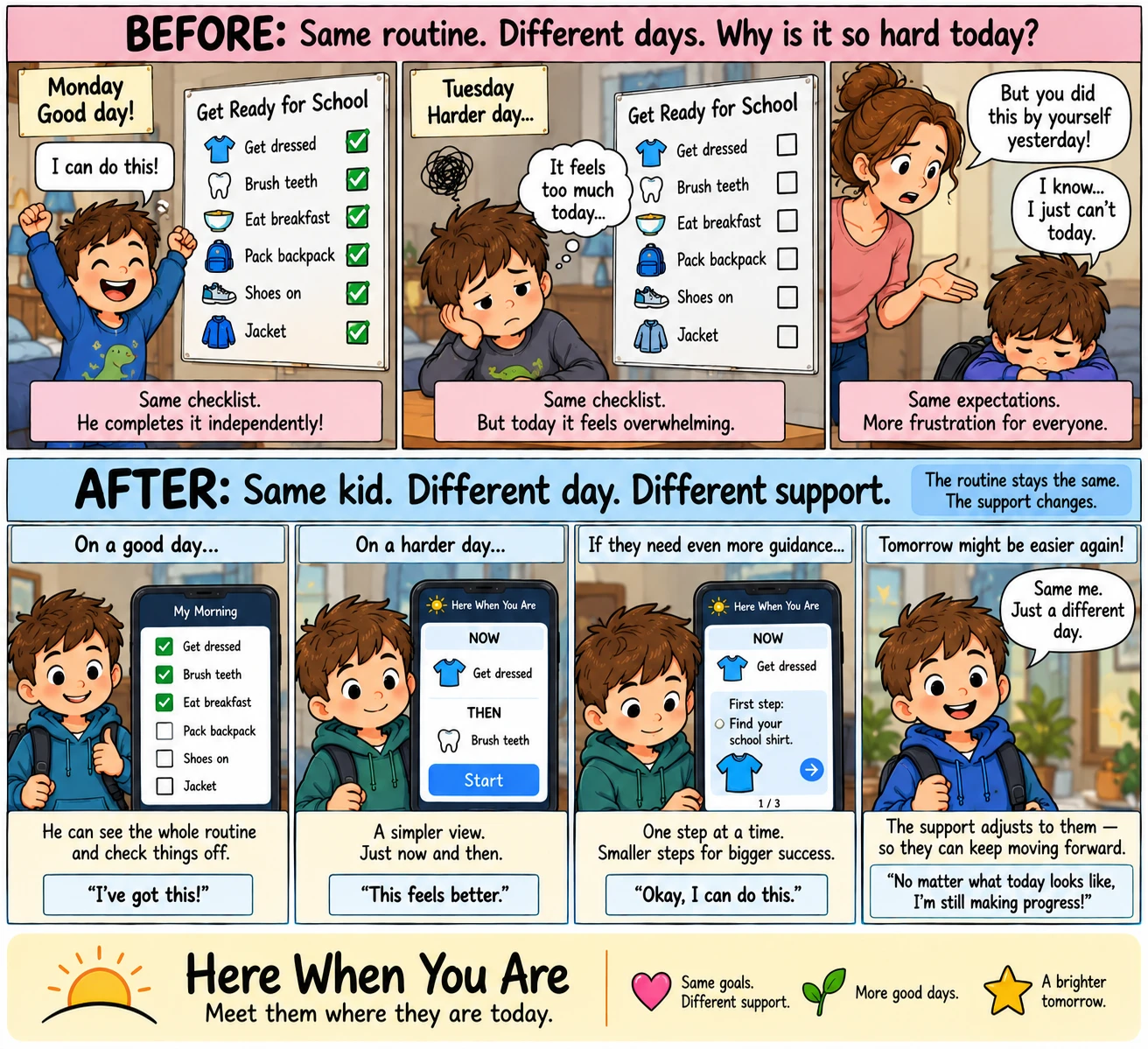
Story 5 · Support that fits the day
Why is it so hard today?
Monday he flies through the list alone. Tuesday the same list is too much. The routine stays the same; how much of it is on the screen changes.
Read it
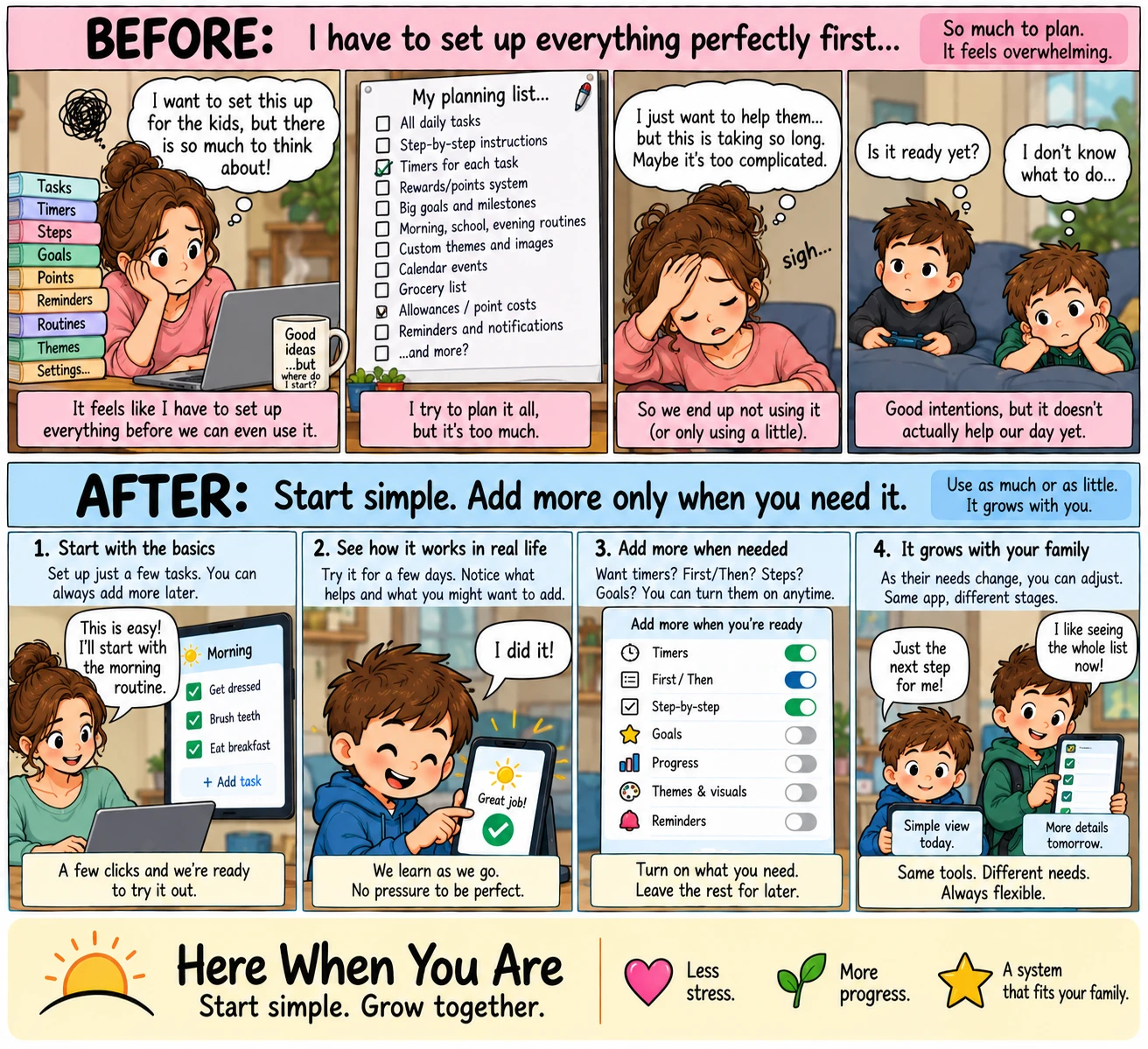
Story 6 · For the grown-up setting it up
Where do I even start?
A planning list as long as the feature list, and a board nobody ends up using. Three tasks and a morning is a complete setup; everything else is a switch for later.
Read it
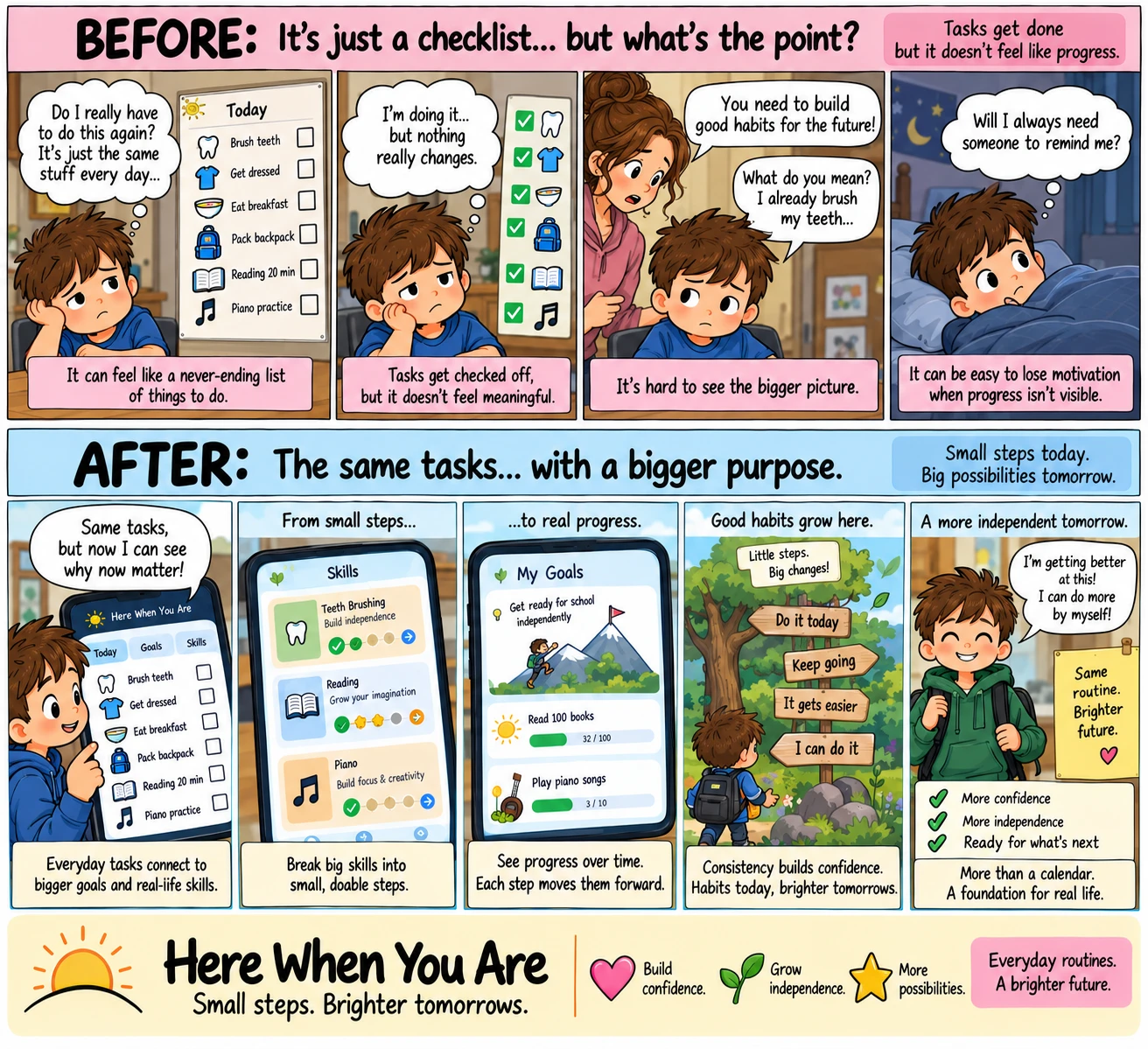
Story 7 · Goals and skills
What's the point?
Six ticks a day and it feels like nothing. The same tasks, with a skill and a goal behind each one, so the tick lands somewhere he can see.
Read it
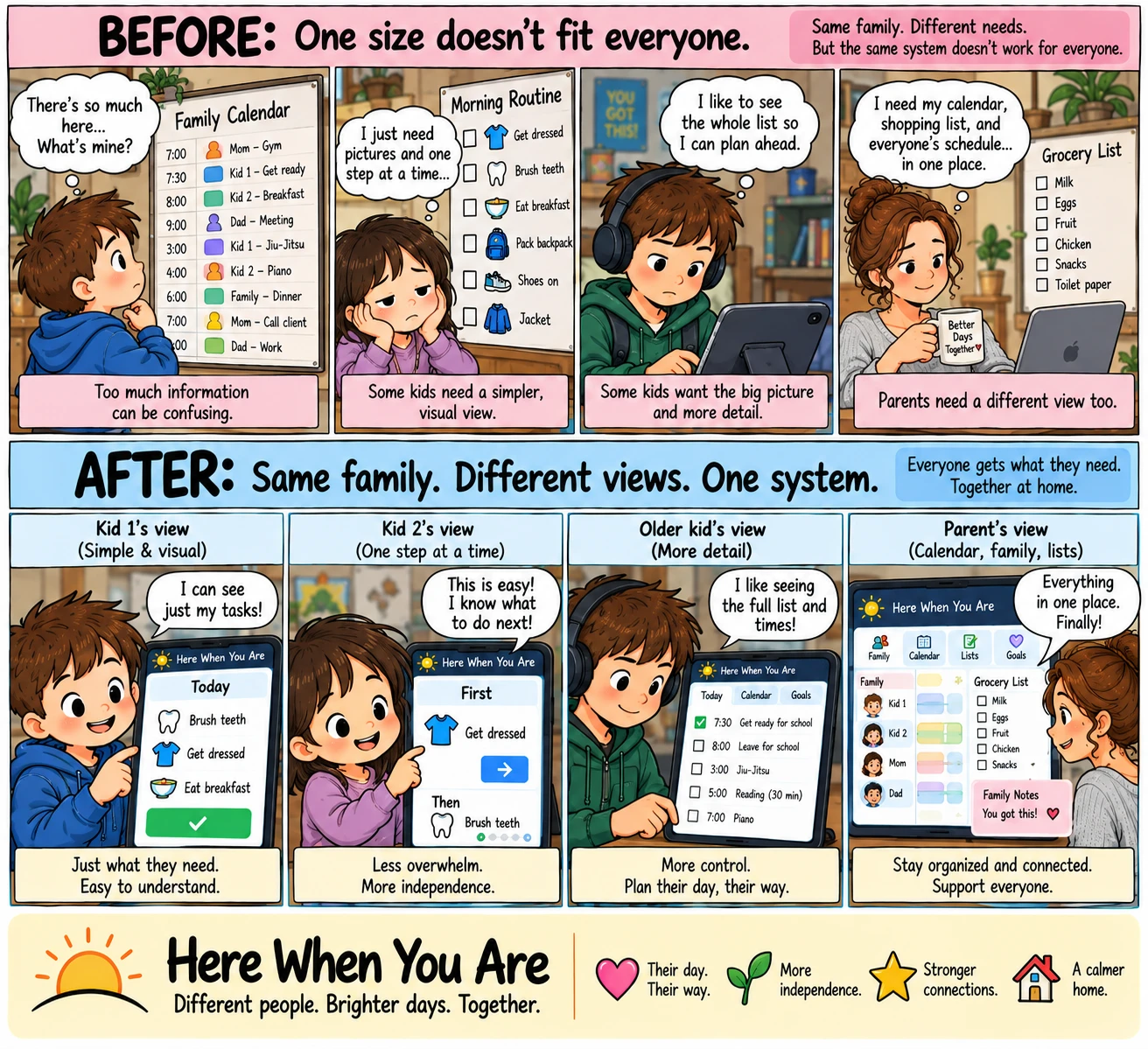
Story 8 · One family, four views
One size doesn't fit everyone.
One wall calendar is too much for the little one, too little for the older one, and the wrong shape for the parent. Same board, seen four ways.
Read it
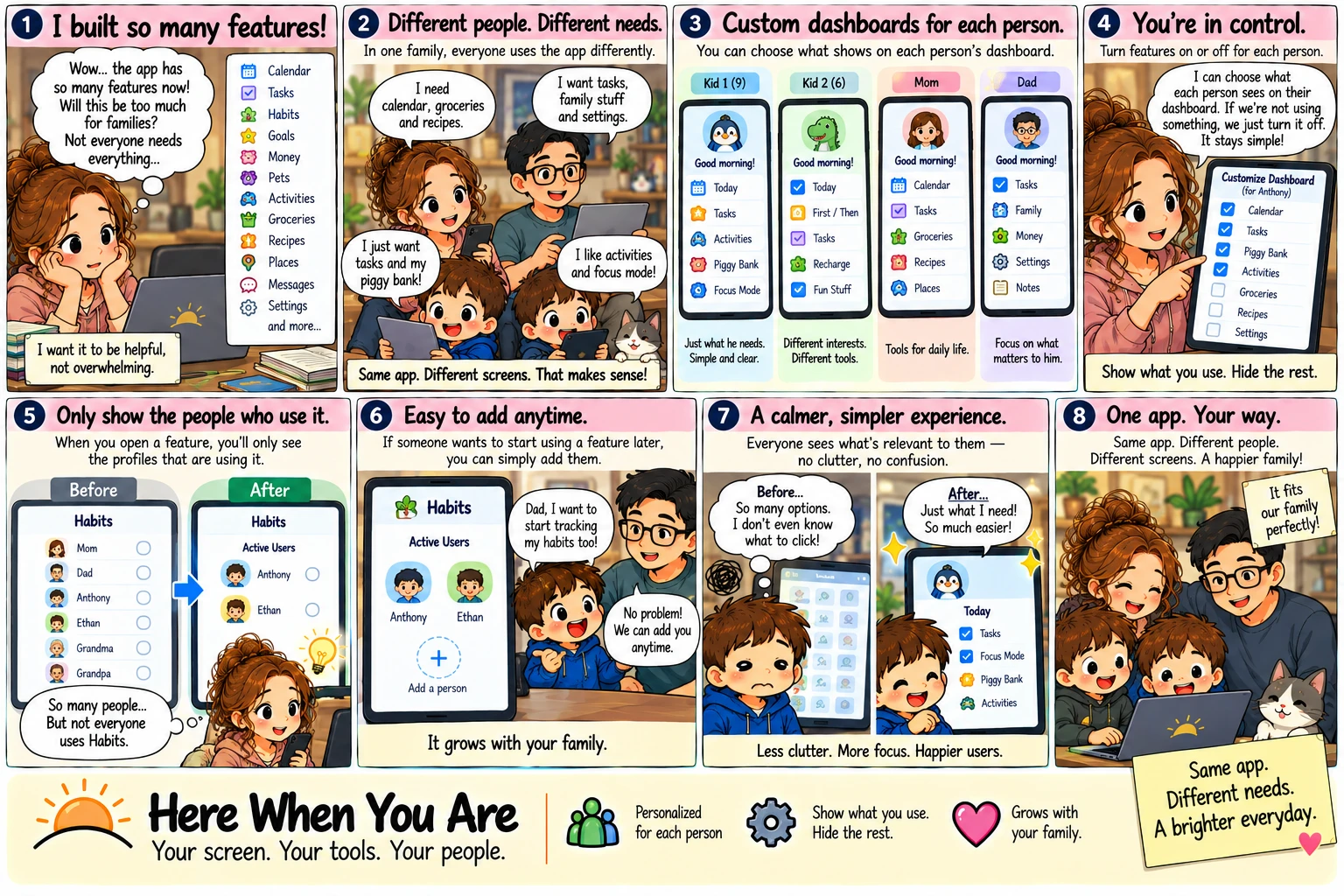
Story 9 · Each person's pages
Same app. Different needs.
The app grew a lot of features, and not everyone needs all of them. Each person sees only the pages they use — on the board and on their phone — and nothing is ever deleted.
Read it
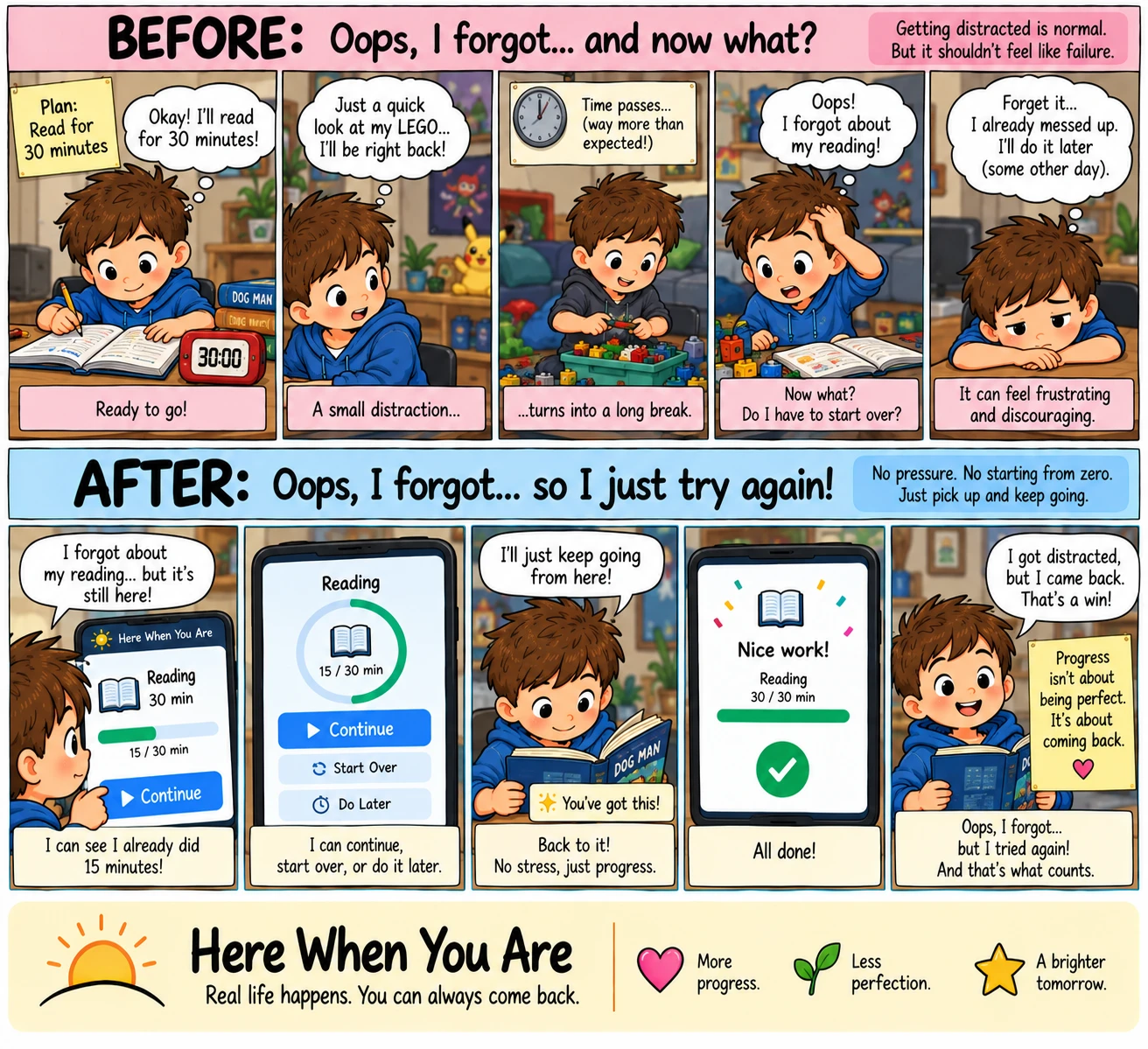
Story 10 · Coming back
Oops, I forgot… and now what?
A quick look at the Lego turns into an hour, and "I already messed up" turns into some other day. The clock kept his fifteen minutes; coming back is one tap.
Read it
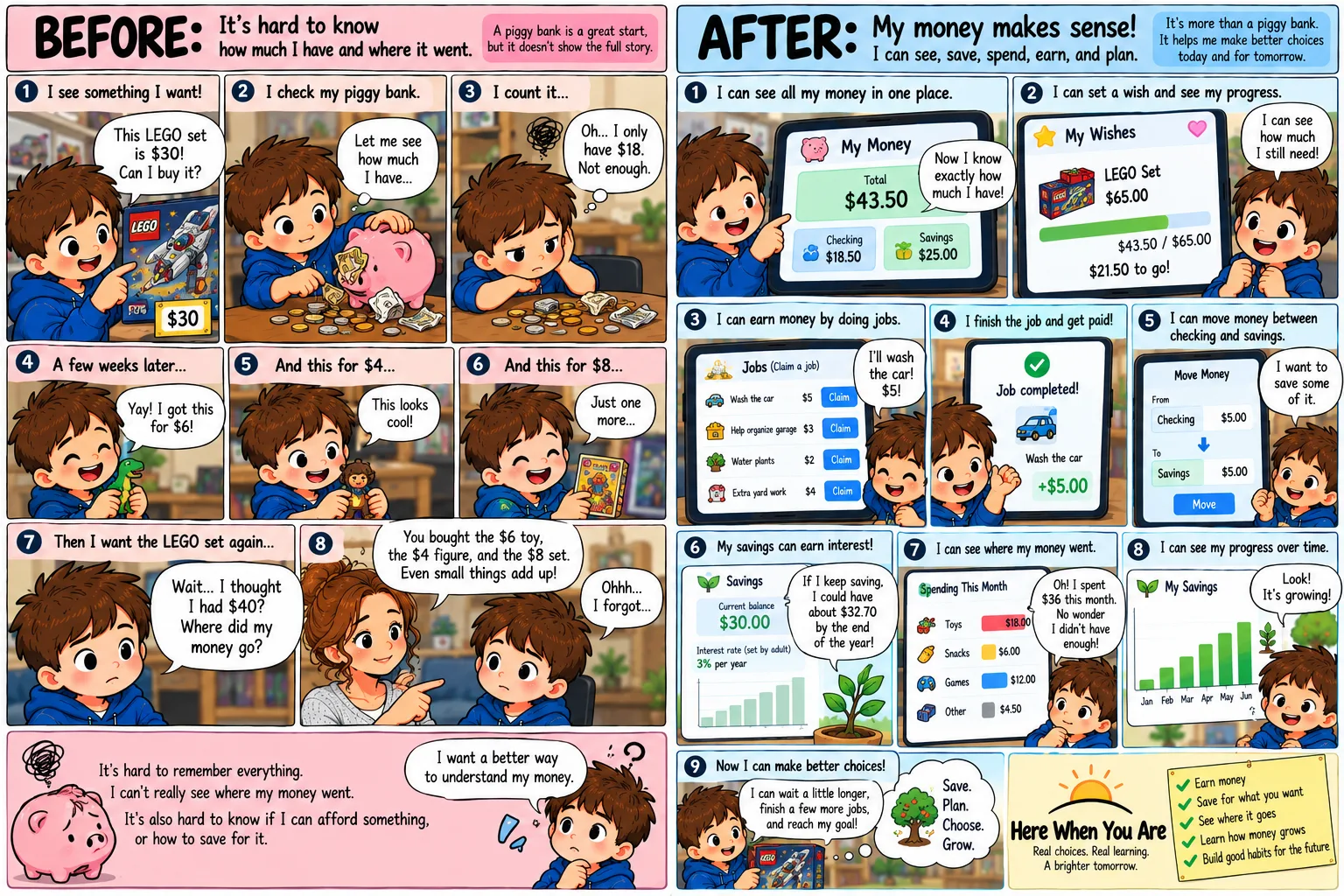
Story 11 · The piggy bank
Where did my money go?
A pig full of coins answers one question — how much is in here — and none of the others. The same money, laid out so a child can see what came in, what went out, and how far off the thing he wants still is.
Read it
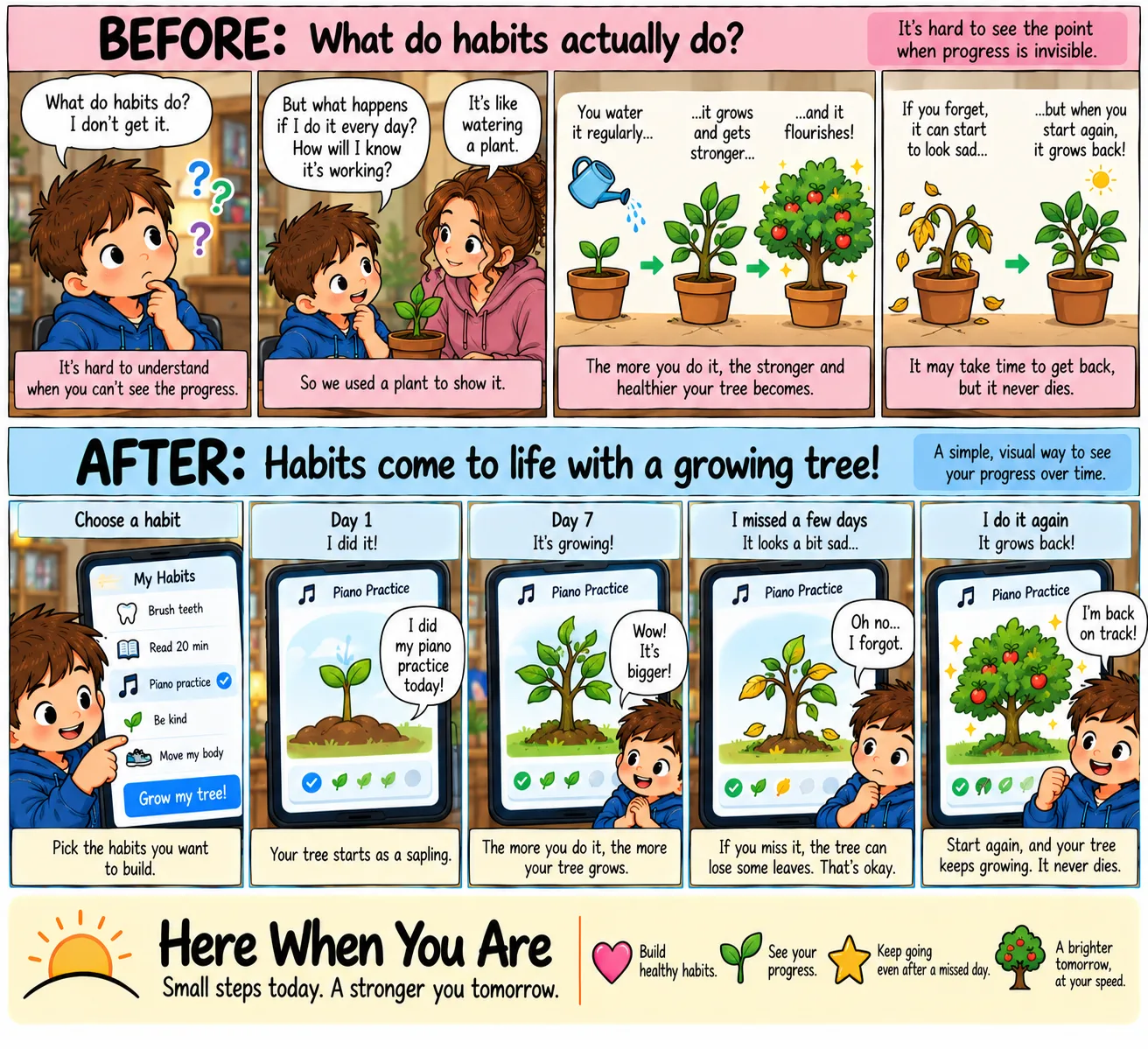
Story 12 · Habits, as a growing tree
What do habits actually do?
“I did it again today” is not a feeling, it's a row of dots. The same habit drawn as a tree that grows when he does it, droops when he doesn't, and never dies.
Read it
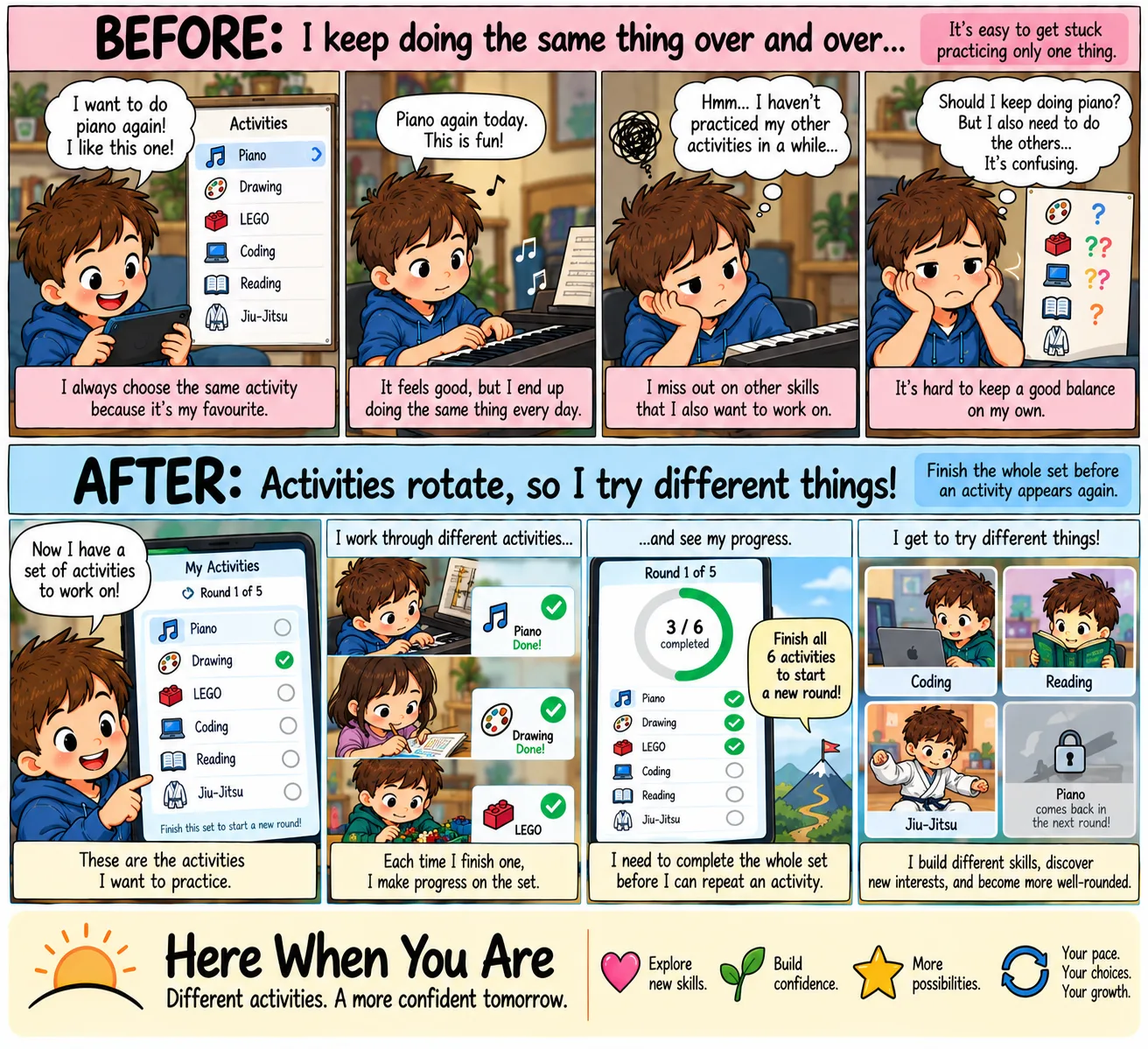
Story 13 · Activities that take turns
I keep doing the same thing.
Piano is the favourite, so piano is what gets picked — every day, while five other things he chose himself go untouched. A set that has to be finished before anything comes round again.
Read it
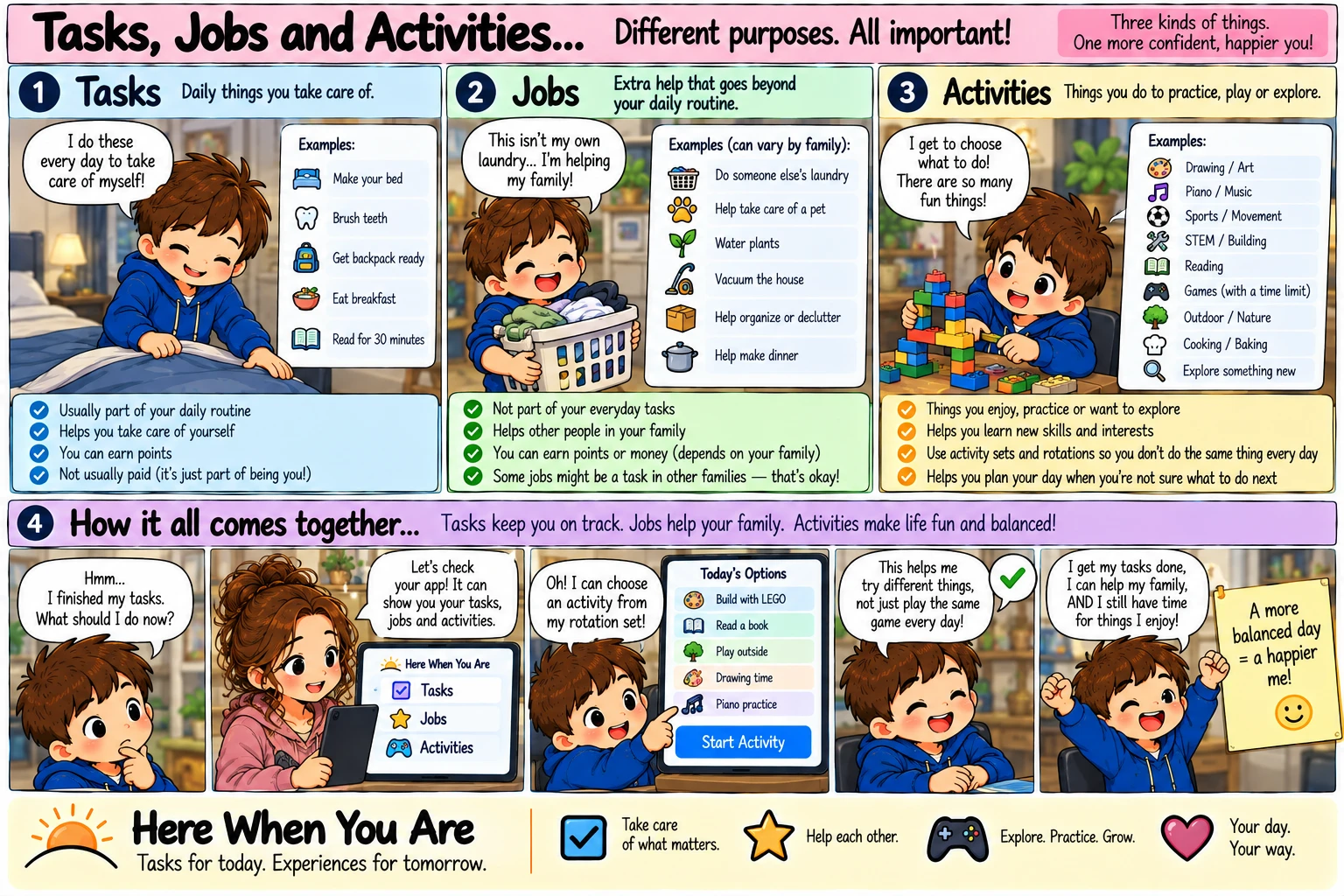
Story 14 · Tasks, jobs and activities
Tasks, jobs and activities.
Daily things you take care of, extra help for your family, and things you do to practise, play or explore. Three lists kept apart — and your family decides where the lines go.
Read it
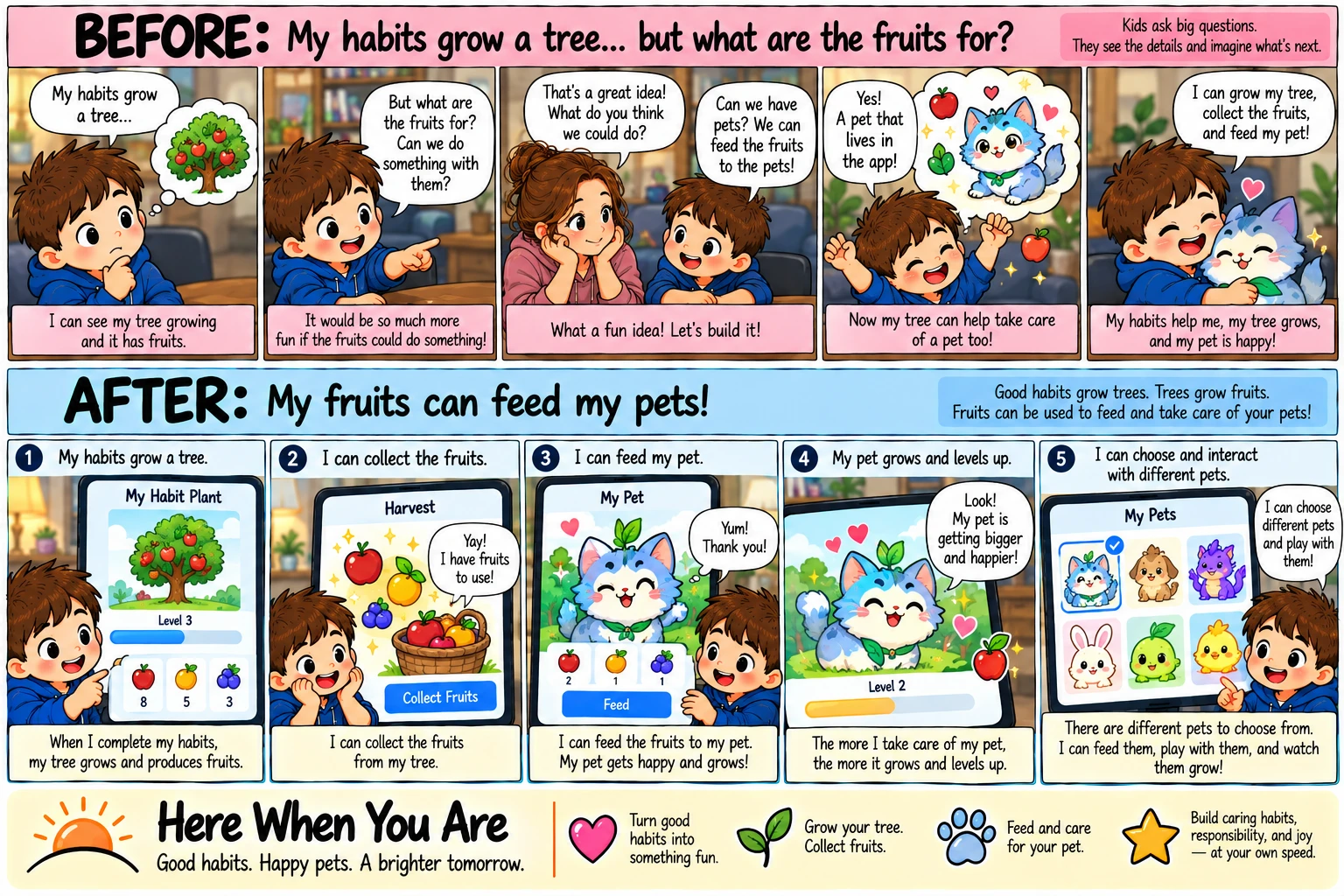
Story 15 · A child's idea that shipped
But what are the fruits for?
He looked at the fruit on his habit tree and asked what it was for — then answered it himself: a pet that eats them. Fruit is made of the work, and the pet never goes hungry.
Read it
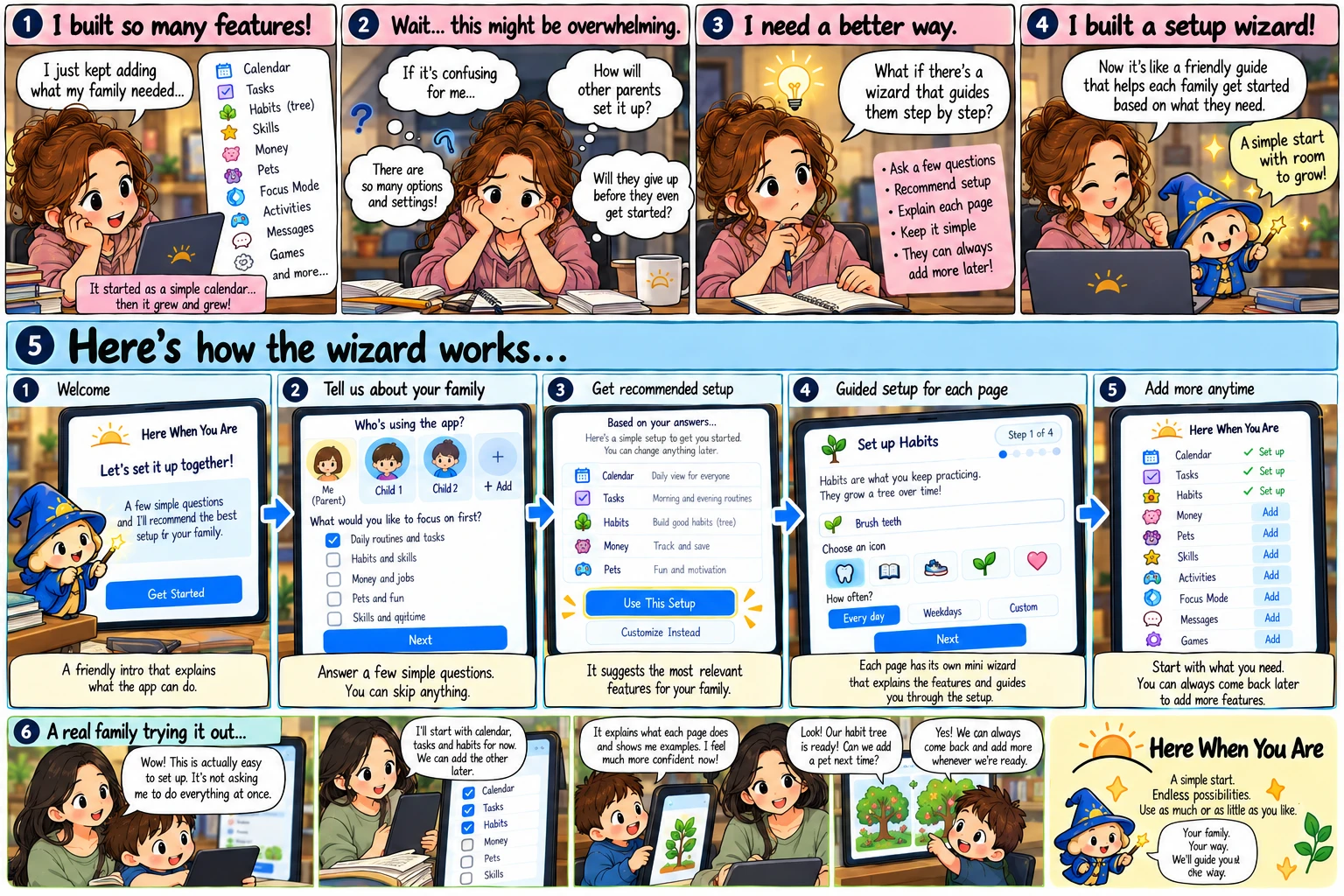
Story 16 · Setting it up, guided
A wizard sets it up with you.
It started as a calendar and grew and grew. Seven short questions on the first run, and then a wizard beside the gear on every page that has something to set up.
Read it
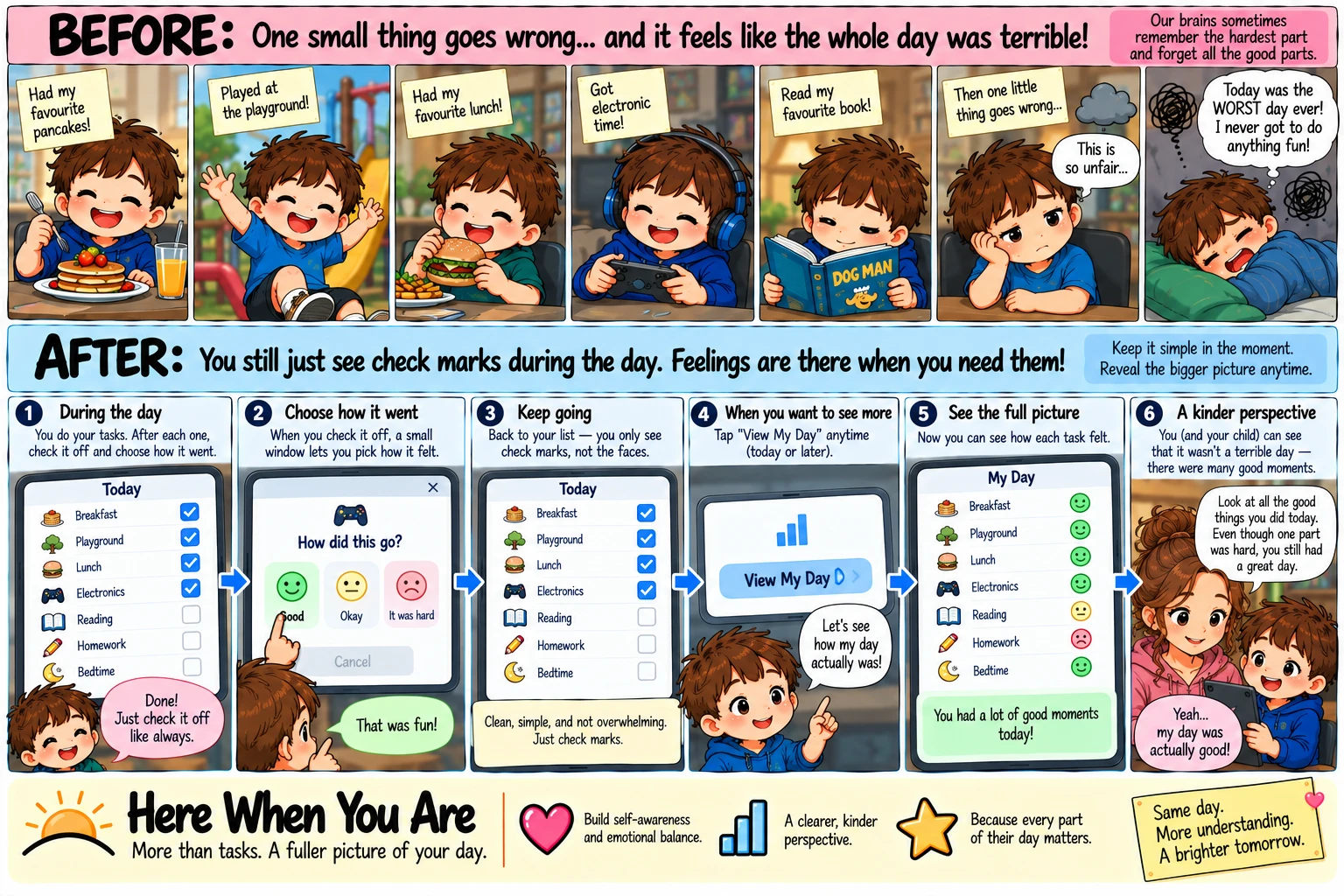
Story 17 · How it went, on finished tasks
One small thing goes wrong…
Pancakes, the playground, a favourite book — then one thing goes wrong and the whole day was “the worst”. A face on each finished task, out of sight until you want to look back together.
Read it
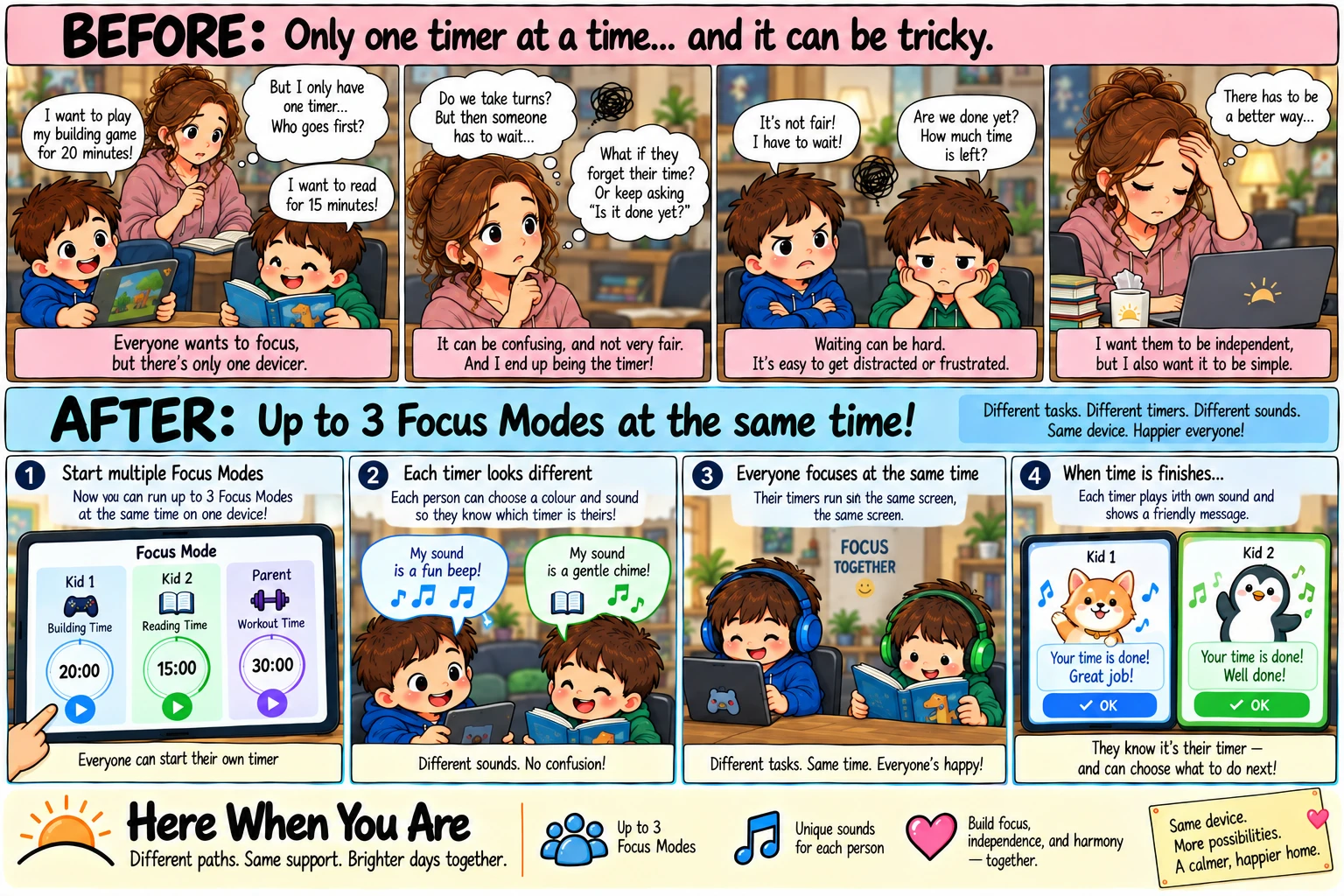
Story 18 · Focus together
Only one timer at a time…
One tablet, two kids, two different things to focus on — so somebody waits. The family screen holds up to three timers side by side, each in its own colour with its own chime.
Read it
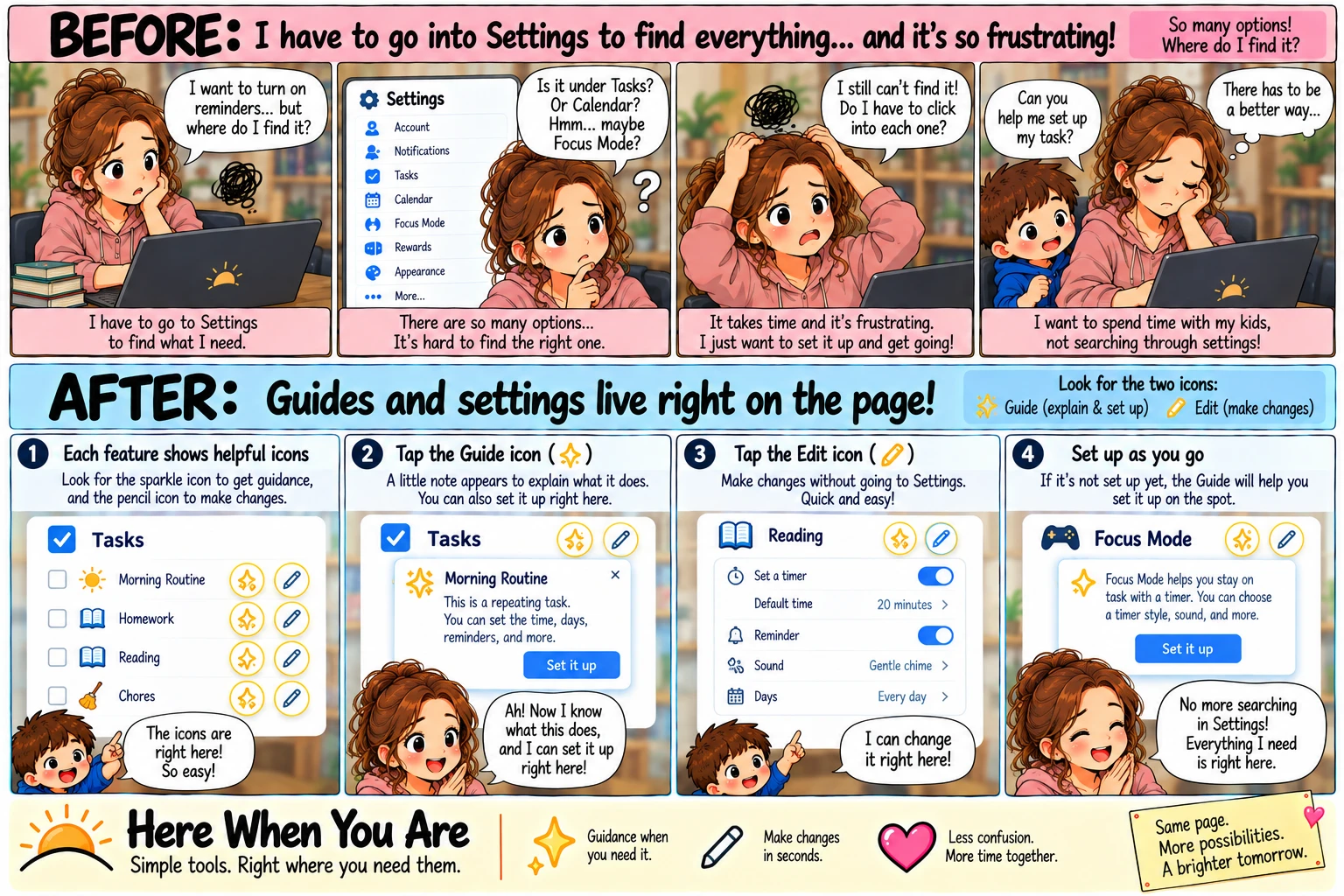
Story 19 · Guides and settings on the page
Where do I find it?
One long Settings list, and the switch you need is under something you didn't think of. Every main page has its own Wizard to explain and set things up, and a pencil on each part you can change.
Read it